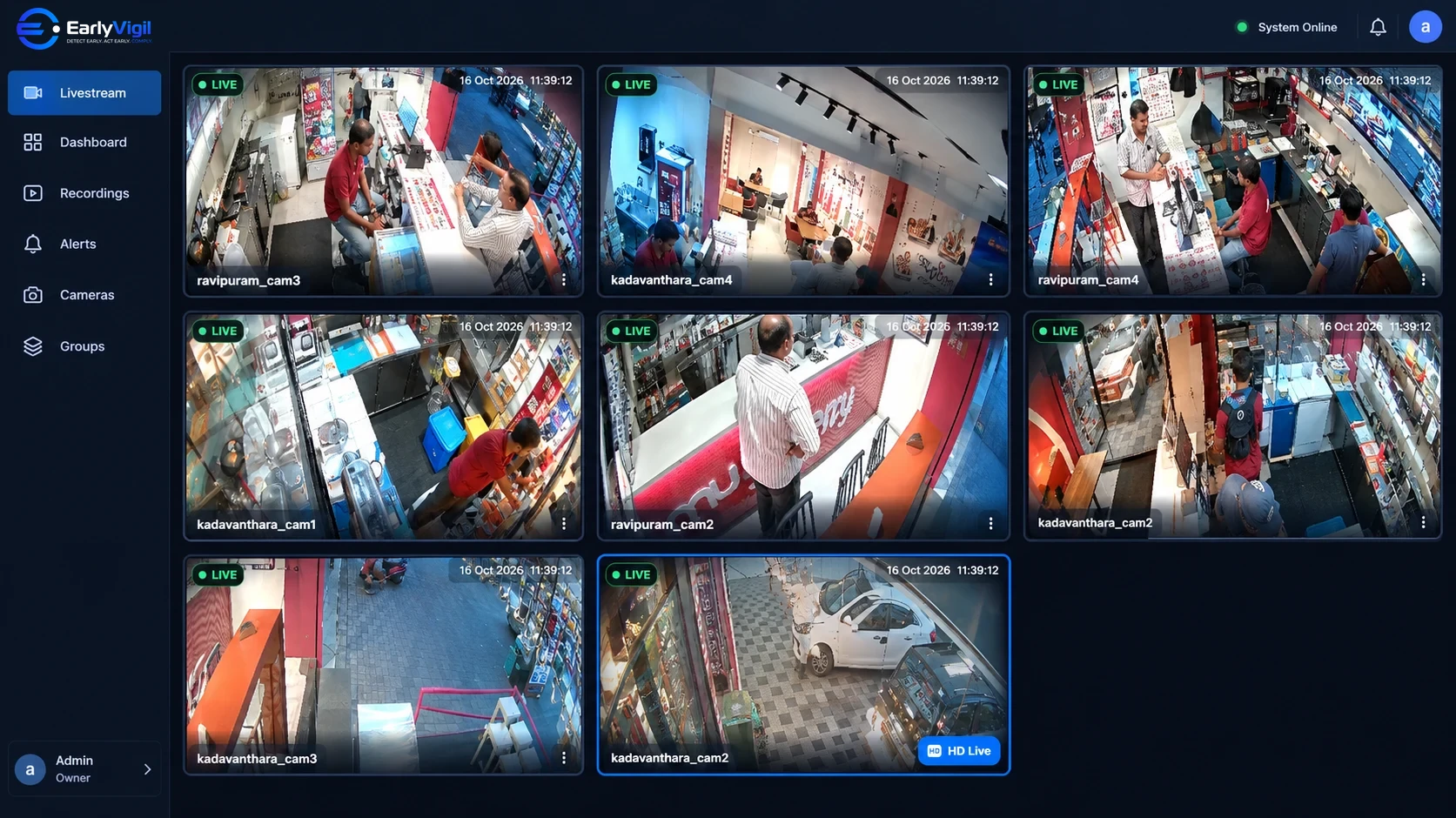
The shop opens at 9. You are at a supplier meeting two cities away. By 9:30 you are wondering whether the shutter is up, whether the staff arrived, whether the counter is covered. You can call, but you will get the answer you are given, not the one you can see.
- Remote live viewing replaces “how is the store?” phone calls with a quick look.
- The biggest benefit is not catching problems. It is knowing most days are fine, without a visit.
- Good remote access is fast on a phone, works without VPN set-up, and respects who is allowed to see what.
- Use it with intent: a short routine of checks beats watching feeds all day.
The gap between “open” and “running well”
Owners of multi-outlet businesses spend a surprising amount of time in a state of low-grade uncertainty. Everything is probably fine. But “probably” is expensive when it takes a journey, a call or a surprise visit to confirm.
Remote live viewing closes that gap. Instead of relying on a report that arrives after the fact, an authorised person opens a screen and looks at the store as it is right now.
Five situations where it earns its keep
1. Opening and closing checks
Was the store opened on time? Were the lights and shutters handled as agreed? A thirty-second look at the entrance at opening time answers it without a single call.
2. Peak hours
If queues build at the billing counter every evening, you want to see it while it is happening, not read about it the next morning. A quick glance tells you whether more staff are needed on the floor.
3. When a manager is on leave
Covering for an absent manager is easier when you can see the store yourself. It does not replace trust in your team; it simply removes the guesswork.
4. Deliveries and stock movement
Warehouses and back rooms are where things go wrong quietly. Being able to check a receiving area from your phone saves a trip, or confirms that a trip is needed.
5. Follow-up on something that already happened
When there is a complaint, a dispute or a loss, the first question is “what actually happened?”. Remote access to recorded footage lets you review the moment without waiting for someone to be at the site.
You are not trying to watch every store all day. You are trying to be able to look the moment you need to.
What good remote access looks like
Many owners have tried a remote CCTV app and given up on it. The usual reasons are worth knowing, because they tell you what to look for:
- It is slow or drops out. Live view should open quickly, even on a mobile connection.
- It needs technical set-up. Port forwarding, static IPs and VPNs are a sign the system was not built for owners.
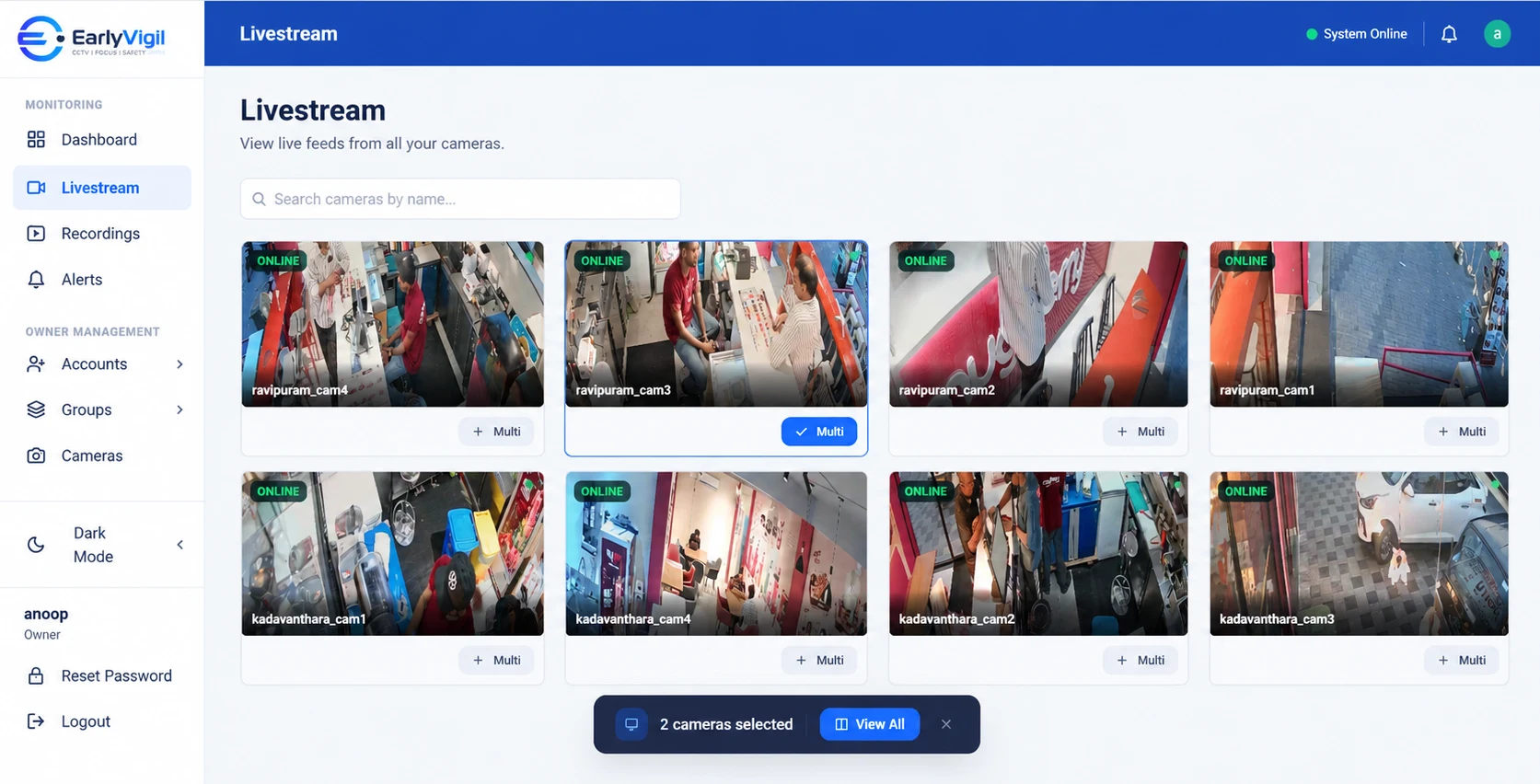
- It is one login for one site. If every store needs its own app, you are back to the original problem.
- Everyone shares one password. That is convenient until someone leaves. Individual accounts with location-level access are safer.
What owners say they wish they had known
When owners first set up remote viewing, they tend to over-use it. For a week, every spare minute goes on checking cameras. Then the novelty fades and the app is forgotten. The owners who keep benefiting treat it as a tool for specific questions, not a TV channel.
- Decide your questions in advance. “Is the store open?” “Is the queue long?” “Is the delivery in?” Each one is a ten-second check.
- Tell your managers. Remote viewing used silently breeds suspicion. Used openly, it becomes a way to support them, for example by sending extra help when you can see the store is swamped.
- Pair it with alerts where available. If the platform tells you when something unusual happens, you do not have to watch for it.
- Keep recorded footage in mind. Live view tells you what is happening now. Recorded footage helps you understand what happened an hour, or a week, ago.
A simple routine that works
People who get the most out of remote monitoring tend to keep it light:
- Morning (2 minutes). Glance at the entrances of your stores to confirm they have opened.
- Mid-day (optional). Look at the busiest outlet during your known peak.
- On demand. Open a specific camera when a call or message raises a question.
- Weekly. Review any alerts or summaries your platform provides and follow up where something repeats.
A note on privacy and trust
Remote access works best when your team knows about it. Be clear about which areas are covered and what the footage is used for. Keep cameras out of private spaces such as changing rooms and restrooms, and give access only to people who need it. A platform that lets you limit access by location makes this practical.
EarlyVigil gives authorised users live and recorded views of their locations from a computer or mobile device, with access limited to the sites each person looks after. If you want to see how it feels with your own stores in mind, book a short demo.
Frequently asked questions
Can I watch my store on my phone?
Yes, if your platform supports mobile access. Authorised users can open live views from a phone, tablet or computer using their own login.
Do I need to be on the shop’s Wi-Fi?
No. Remote viewing is meant to work from anywhere with an internet connection. The shop itself needs a working internet connection for its cameras to be reachable.
Is remote CCTV viewing safe?
It can be, when each person has their own account, access is limited to the locations they need, and cameras are not left on default passwords.
See it with your own locations in mind
Book a short walkthrough, or call us on +91 73564 25444.
This article is general information for business owners. Features, camera compatibility and cloud backup depend on your model, configuration and plan. EarlyVigil provides information for people to review; decisions stay with your managers.