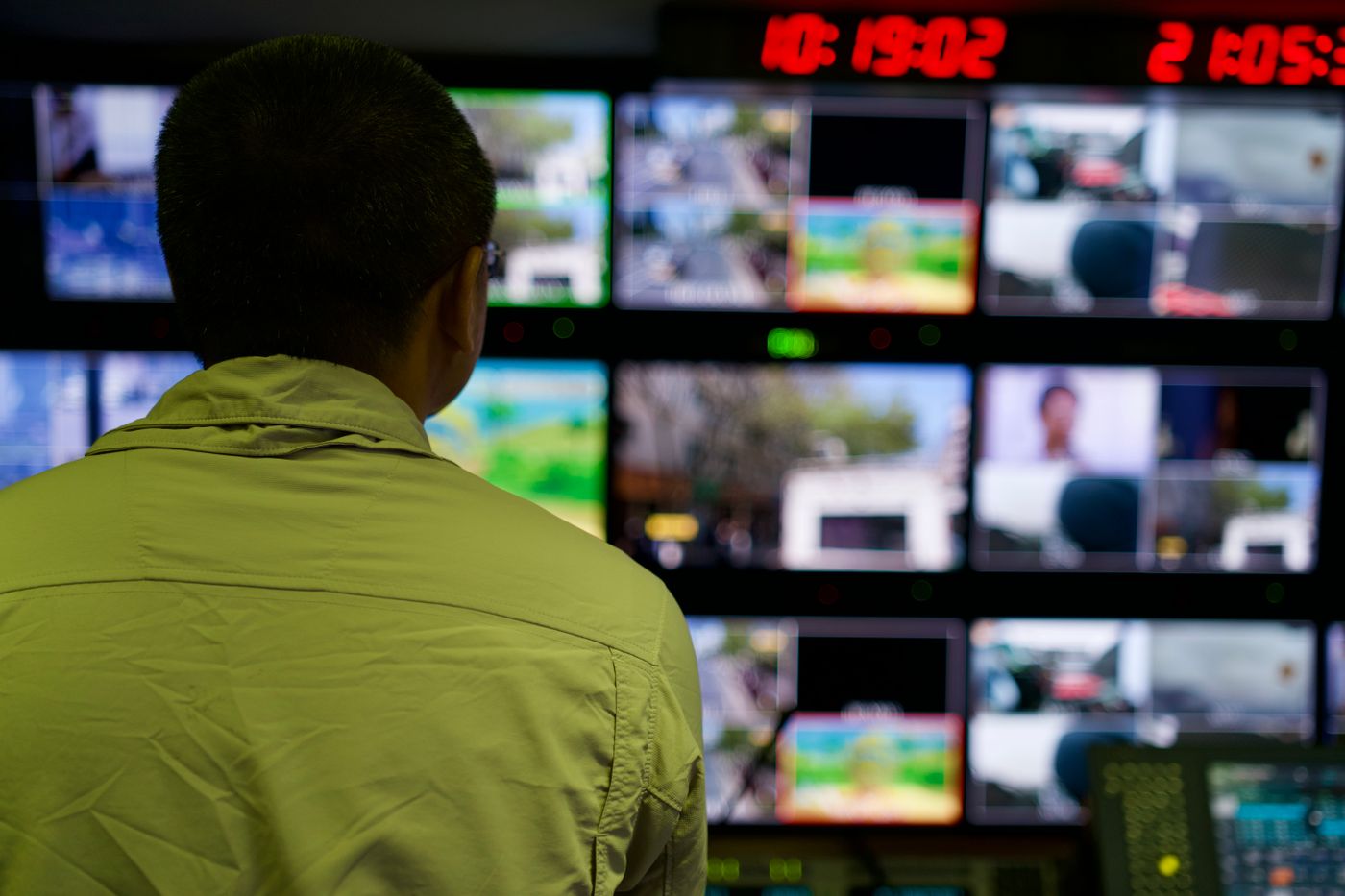
If you run more than one location, you probably know the routine: one app for the first branch, a different login for the second, a recorder you can only reach from the shop for the third. Each system works on its own. Together, they never give you the full picture.
- Separate CCTV logins for each branch mean you only look when something already feels wrong.
- A single dashboard groups every site, so one search or one click replaces five logins.
- Access should follow your org chart: owners see everything, site leads see only their own branch.
- You usually do not need new cameras. Many existing systems can be connected, subject to model and setup.
The hidden cost of one login per branch
Most multi-branch businesses did not plan their CCTV as a network. Each store was fitted when it opened, often by a different installer, with whatever recorder was available at the time. Five branches later, you own five separate systems that happen to share a purpose.
The cost is rarely a single dramatic failure. It is a slow leak of attention:
- Checking becomes a chore. Opening five apps takes long enough that you only do it when there is a reason, which is usually too late.
- Problems hide in the gaps. A camera that went offline last week at the smallest branch is invisible until someone needs its footage.
- Standards drift. When no one can compare branches side by side, each one quietly develops its own habits.
- Everything routes through you. Managers call you to say what they saw, because you cannot easily see it yourself.
What “one dashboard” actually means
A multi-branch CCTV dashboard is not just a bigger screen with more tiles. The useful version does four things:
- Groups sites the way your business is organised. By city, region, brand or team, so you can open “Kochi stores” without hunting.
- Lets you find any camera fast. A search box beats scrolling through hundreds of channels when you just want “billing counter, Branch 3”.
- Scopes access by person. The owner sees all locations, a regional manager sees their region, a store lead sees their own shop.
- Surfaces what needs attention. Alerts and summaries point you to the sites worth a closer look, instead of making you scan everything.
The goal is not to watch more video. It is to spend less time finding out what is going on.
A simple before-and-after
| Question | Separate systems | One dashboard |
|---|---|---|
| Check all branches | Open and log into each system in turn | Open one wall of locations |
| Find a specific camera | Remember which branch, which app, which channel | Search by name or location |
| Give a manager access | Share a login, or add a user on each device | Grant access to only their locations |
| Spot an offline camera | Notice it when footage is missing | See it alongside every other site |
| Compare two branches | Phone calls and written reports | Look at both, side by side |
A day in the life of a multi-branch owner, with and without it
Picture a Tuesday. You own five stores across two cities. Without a central view, your morning goes something like this: you call Branch 2 because the manager has not confirmed opening, you open an app for Branch 4 that has not been updated in a year, and you ask Branch 1 to send a photo of the stock room. By 10 a.m. you have learned three things, all second-hand.
With a single dashboard, the same morning takes minutes. You open the wall of locations, glance at each entrance, and open the stock room camera at Branch 1 yourself. The calls you do make are about decisions, not about finding out what is happening. Over a month, that difference adds up to hours, and more importantly to a habit of looking early instead of reacting late.
Common mistakes when centralising CCTV
- Trying to connect everything on day one. Start small, learn what works, then roll out.
- Skipping camera naming. “Cam 17” means nothing to a head-office user. Name cameras by branch and area.
- Giving everyone full access. It is easier at first, and harder to undo later. Define roles up front.
- Ignoring the internet connection at small branches. A site with weak upload speed will struggle to stream. Check it before you promise a smooth experience.
- Treating it as a security-only tool. Owners who also use it to understand opening times, queues and staffing get far more value from the same cameras.
What to check before you choose a platform
Not every “central” system is built for multiple sites. Ask these questions before you commit:
- Can it connect the cameras and recorders we already own, or does it assume a full replacement?
- Can I limit each person to specific locations?
- How does it behave when one branch loses internet? Does the rest of the dashboard still work?
- What happens when I add a sixth, tenth or twentieth branch? Is it a re-install or a few clicks?
- Who do I call when something does not work, and do they speak my language?
How to get started without disruption
- List your sites and what is installed. Camera brand, recorder model and rough camera count per branch is enough to begin.
- Start with one or two locations. Connect them, check the view, and let your managers use it for a week.
- Add the rest in batches. Branches with similar equipment can usually be added the same way.
- Set up access. Decide who should see what before you hand out accounts.
EarlyVigil is built for this pattern: a shared view of all locations, searchable cameras, and access limited to the sites each person looks after. Many existing cameras can be connected, subject to model and configuration, and our team checks your setup with you before you begin. You can read more on the Multi-Site Management page.
Frequently asked questions
Can I see all my branches on one screen?
Yes. A multi-site dashboard shows live views from different locations together, grouped by region, branch or team, so you do not need to switch between systems.
Do different branches need the same camera brand?
No. Many businesses have a mix of brands across branches. Compatibility depends on the specific model and configuration, so it is worth confirming with the provider before you start.
Can a branch manager see only their own store?
They should be able to. Look for a platform that lets you grant access per location rather than sharing one login for everything.
See it with your own locations in mind
Book a short walkthrough, or call us on +91 73564 25444.
This article is general information for business owners. Features, camera compatibility and cloud backup depend on your model, configuration and plan. EarlyVigil provides information for people to review; decisions stay with your managers.