Here is a scenario nobody plans for. Something goes wrong at your store. You ask to see the footage. The recorder has been faulty for three weeks, and nothing was saved. The cameras were working the whole time. The recording just was not happening.
- In most CCTV systems every camera records to one box. If it fails, is stolen or is damaged, the footage goes with it.
- Many recorder failures are silent. Nobody notices until the footage is needed.
- Cloud backup keeps a copy away from the premises, where the configured system supports it.
- Cloud backup is a safety net, not a replacement for checking your system regularly.
The recorder is the weak link
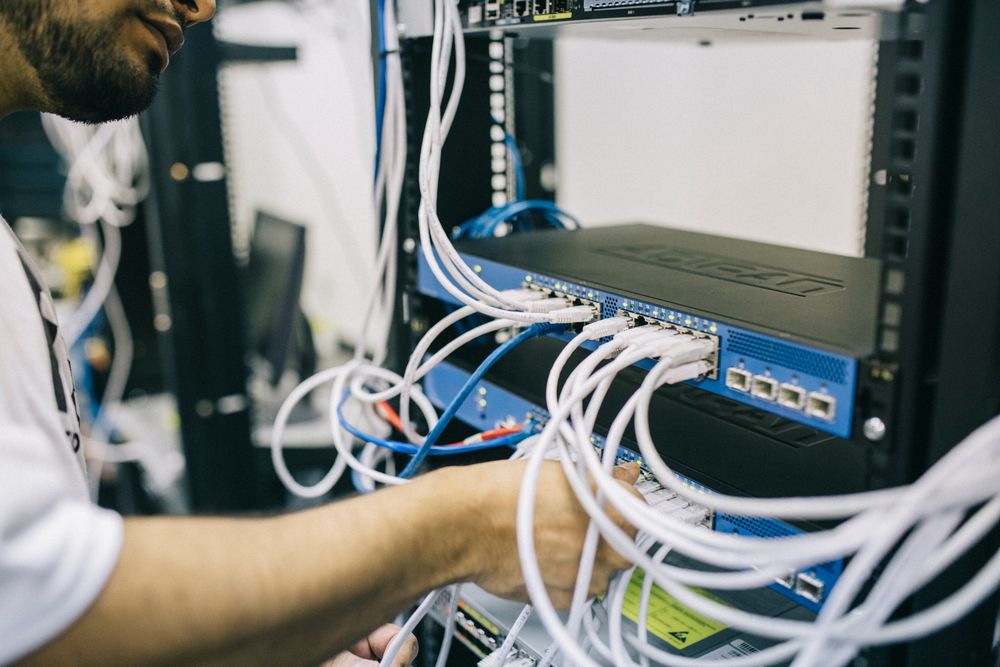
Your cameras capture video. Your DVR or NVR is what keeps it. In a typical shop or branch, one recorder in the back office stores everything from every camera. It is a single device, with a single hard disk, in a single room.
That design is simple and cheap, and it works well right up until the moment it does not.
How recorders fail
- Hard disk failure. Disks that run around the clock wear out. When one fails, recording often stops without any obvious sign.
- Power problems. Surges, outages and improper shutdowns can corrupt recordings or damage the unit.
- Overheating. Recorders kept in cupboards, behind counters or in poorly ventilated rooms run hot and fail earlier.
- Theft or tampering. If someone removes the recorder, the evidence of what they did leaves with it.
- Fire, water or physical damage. Anything that harms the room harms the footage.
- Configuration drift. Recording schedules, overwritten settings or a full disk can quietly reduce what is actually saved.
The most dangerous failure is the quiet one: a system that looks healthy on the wall monitor but is not saving anything.
What cloud backup changes
Cloud backup stores a copy of your footage somewhere other than the premises. That single change removes the “everything is in one room” problem:
- If the recorder fails, you may still have a recent copy of what it was recording.
- If the equipment is stolen or damaged, the footage is not in the same place as the loss.
- You can review footage from wherever you are, without needing access to the shop’s back office.
It is worth being honest about the limits. Cloud backup depends on your internet connection, your retention settings and how your system is configured, so what is backed up and for how long will differ from one setup to another. Where it is supported by the configured system, it is a strong safety net. It is not magic.
A quick health check you can do this week
- Pick a random day last month and try to play back footage from one camera. If you cannot, you have found a problem cheaply.
- Check how many days of footage you actually have. Compare it to what you thought you had.
- Look at the recorder’s location. Is it ventilated, protected from tampering and on a stable power supply?
- Confirm every camera is recording, not just displaying live video.
- Ask where a second copy lives. If the honest answer is “nowhere”, you have your answer.
Local recording and cloud backup work best together
It is tempting to frame this as local versus cloud. In practice the two do different jobs. The local recorder is fast, holds long continuous recordings, and keeps working when the internet is down. Cloud backup is the second copy that lives somewhere else, and the way to get back to your footage when the first copy is gone.
| Local recorder only | Local recorder plus cloud backup | |
|---|---|---|
| Recorder breaks | Footage on the device may be lost | A copy may still be available, depending on setup |
| Equipment stolen | Evidence leaves with it | Backed-up footage is held off-site |
| Internet outage | Records locally as normal | Records locally; backup resumes when the connection returns |
| Reviewing from elsewhere | Needs remote access to the recorder | Available through the platform |
What it costs to find out too late
When footage is missing, the loss is not only the video. It can be an insurance claim that cannot be supported, a dispute with a customer or supplier that cannot be settled, or an internal matter you cannot properly investigate. None of these happen often. All of them are much worse when they happen and there is nothing to look at.
That is why this is best treated like any other business continuity measure. You are not buying it for an ordinary Tuesday. You are buying it for the one day in a few years when it matters a great deal.
Questions to ask about any cloud backup option
- Which cameras and which hours are backed up, all of them or only selected ones?
- How long is footage kept, and can the period be changed?
- What happens if the internet goes down? Does the local recorder keep working?
- Who can view or download the backed-up footage?
- Is the cost predictable as I add more cameras?
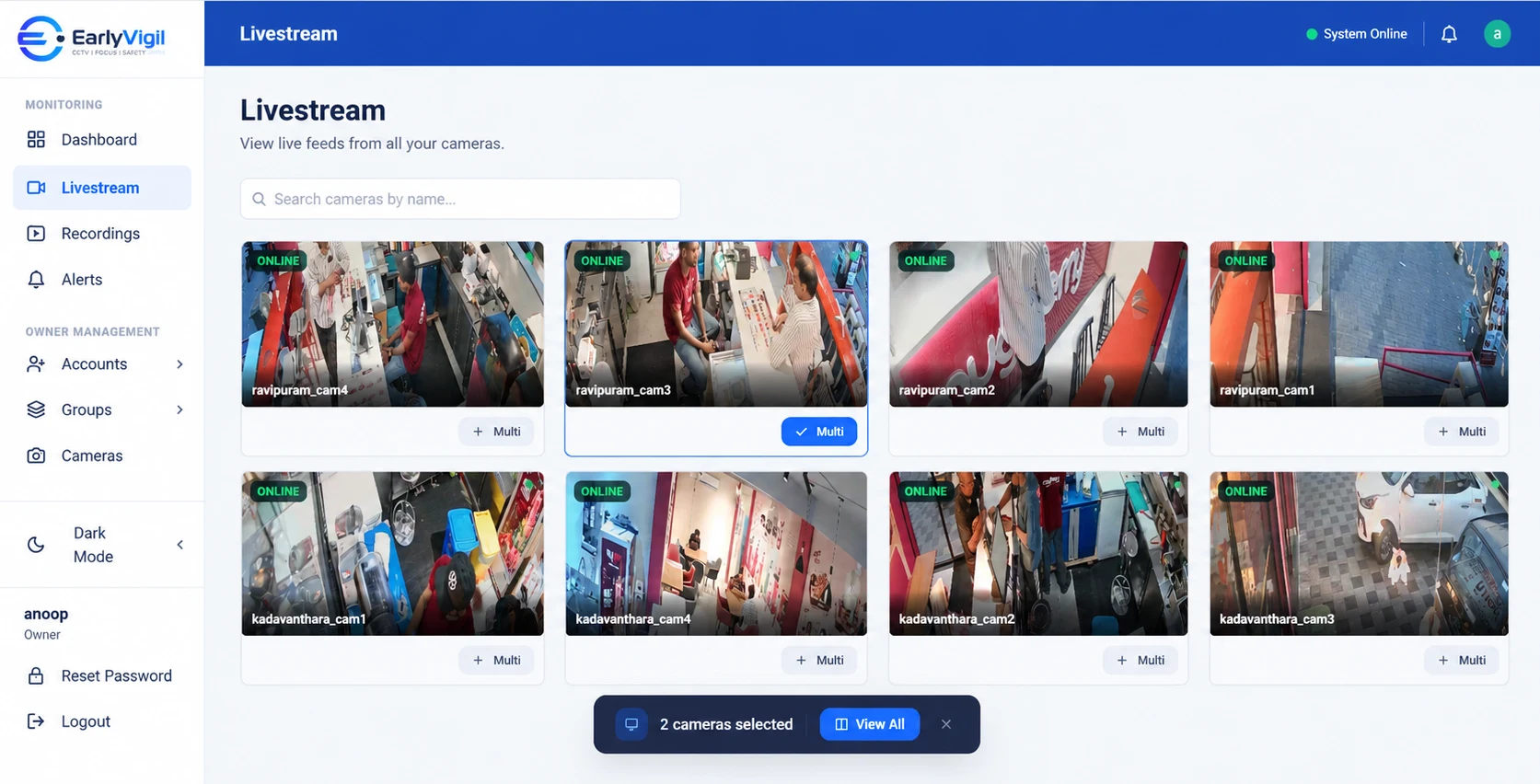
EarlyVigil can help preserve footage when local recording equipment fails, where the configured system supports it. Our team will walk through what is possible for your cameras and recorders before you commit to anything. You can ask us on the contact page.
Frequently asked questions
What happens to my footage if the DVR or NVR breaks?
With a local-only setup, recordings stored on the failed device may be lost. With cloud backup in place, a copy can exist away from the premises, depending on how the system is configured.
Is cloud backup the same as cloud recording?
Not always. Backup usually means a copy of selected footage is sent to the cloud, while the local recorder continues to record. The exact behaviour depends on the system.
Does cloud backup work if my internet is slow?
Upload speed limits how much can be sent. Your provider should help you size the setup for the number of cameras and the quality you want.
See it with your own locations in mind
Book a short walkthrough, or call us on +91 73564 25444.
This article is general information for business owners. Features, camera compatibility and cloud backup depend on your model, configuration and plan. EarlyVigil provides information for people to review; decisions stay with your managers.